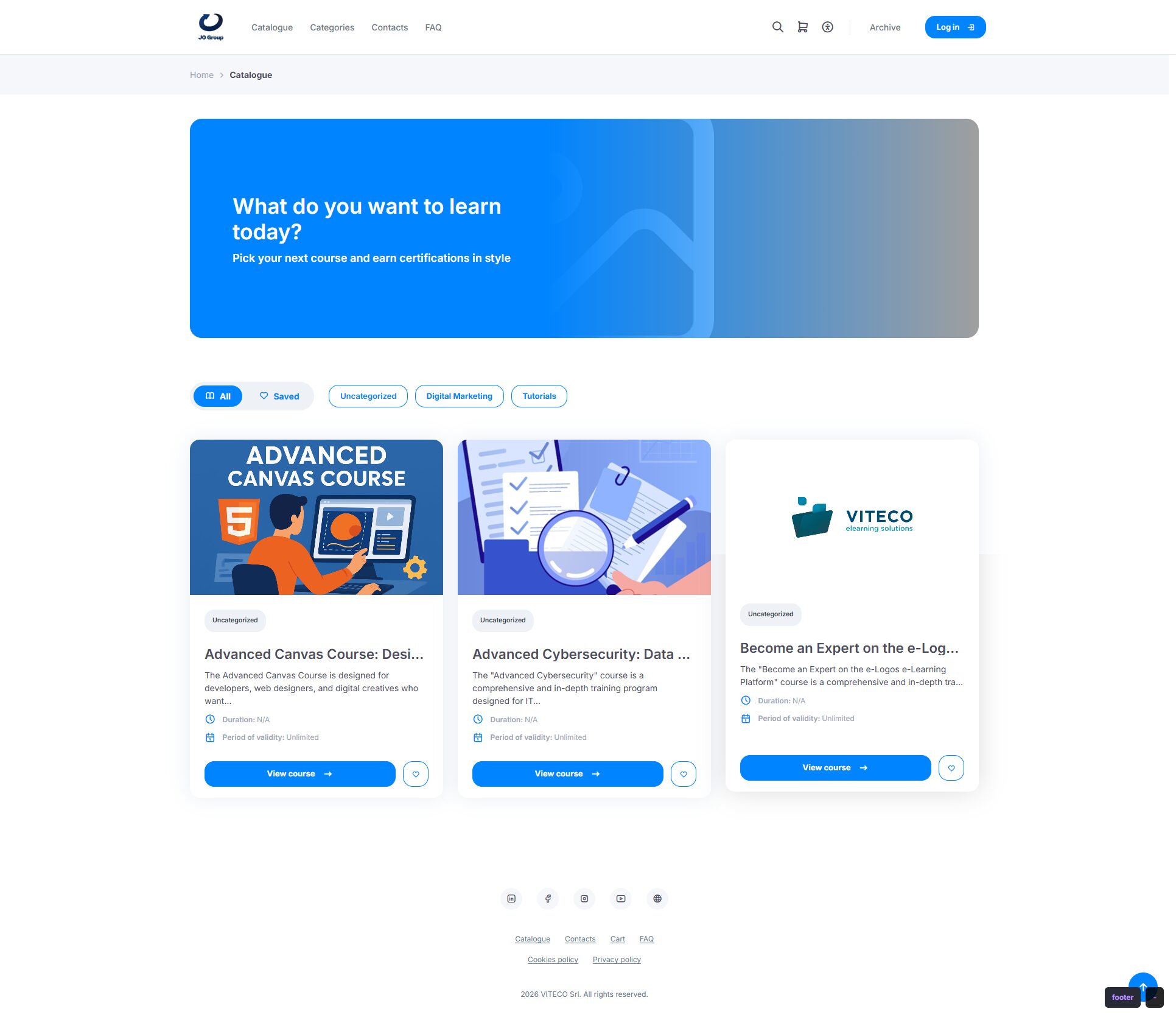
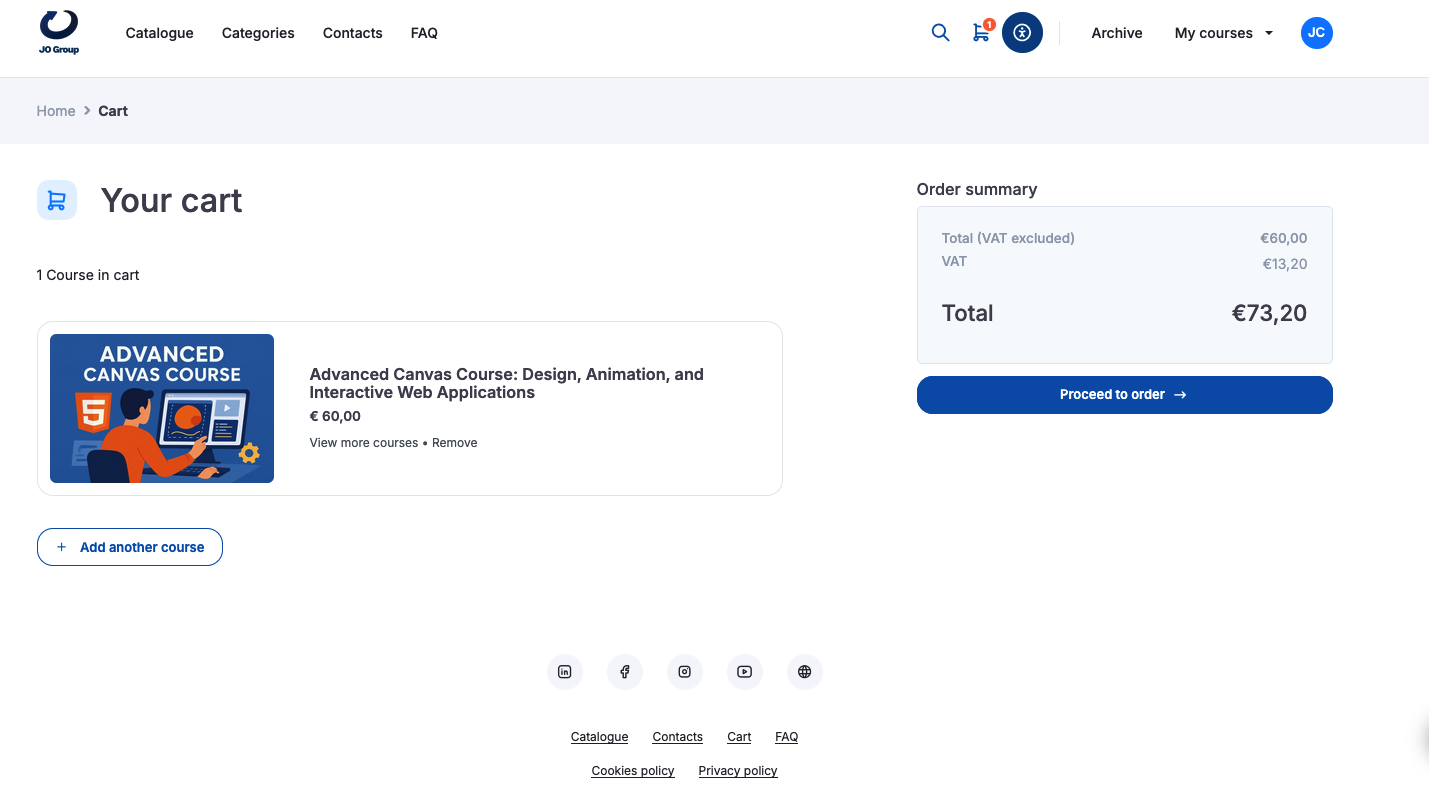
To purchase a course, users must click View course and then Add to cart, including for free courses. The course will be added to the cart, where users can then proceed with the order.
Click Proceed with order.
Proceed with order
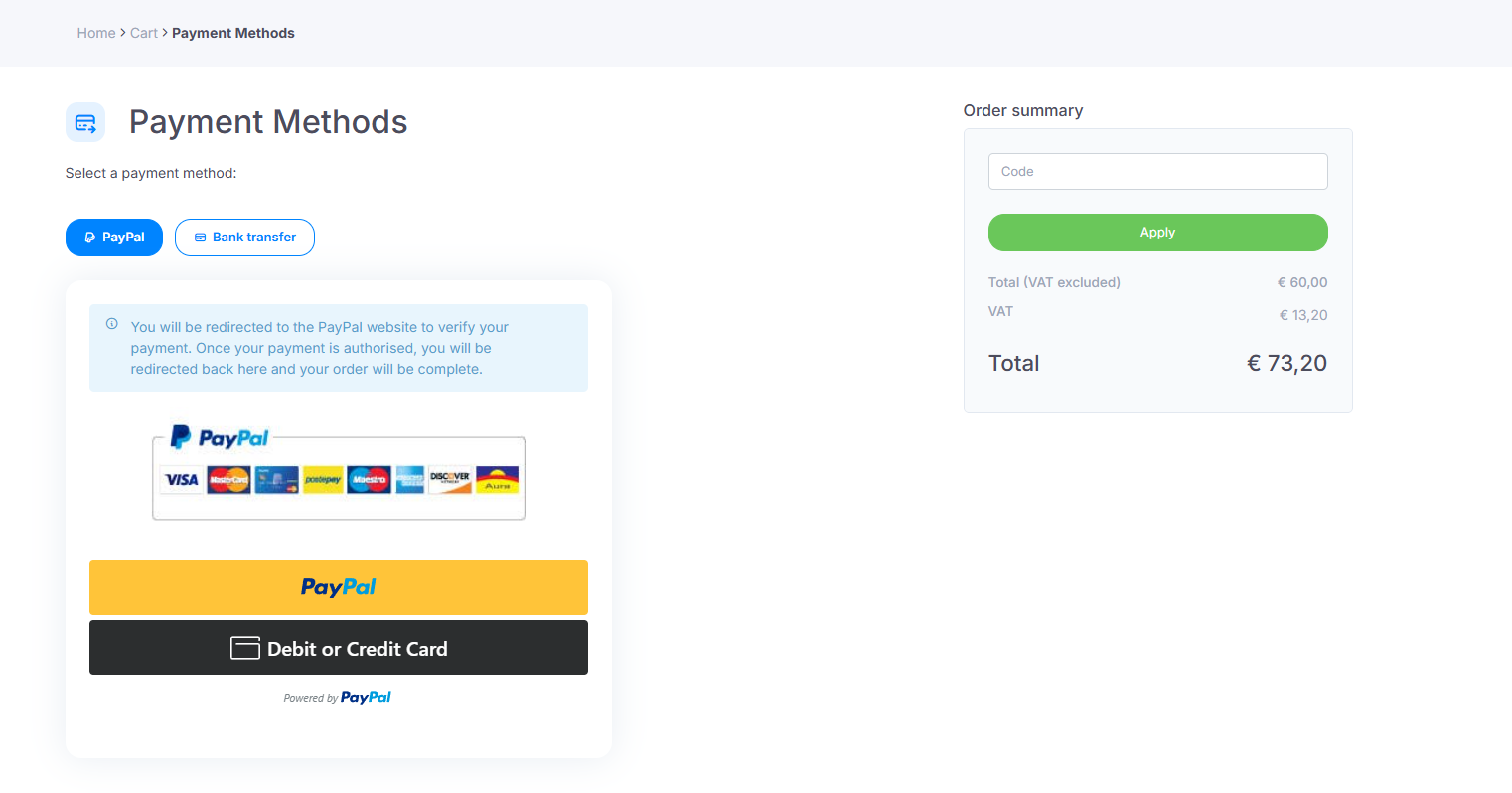
Payment can be made by choosing one of the available payment methods: PayPal, Stripe, or bank transfer. The first two methods allow the course to be activated automatically. In the case of payment by bank transfer, however, the course will not be available until the administrator has confirmed receipt of the payment.
Note: before proceeding with the purchase, users must complete their billing details in the User profile section.
In the “Code” section, users can enter a discount code.
After selecting their preferred payment method, users will be redirected to the PayPal website or to their home banking service to complete the purchase. The purchased course will be available in the My courses section.