How to submit a report
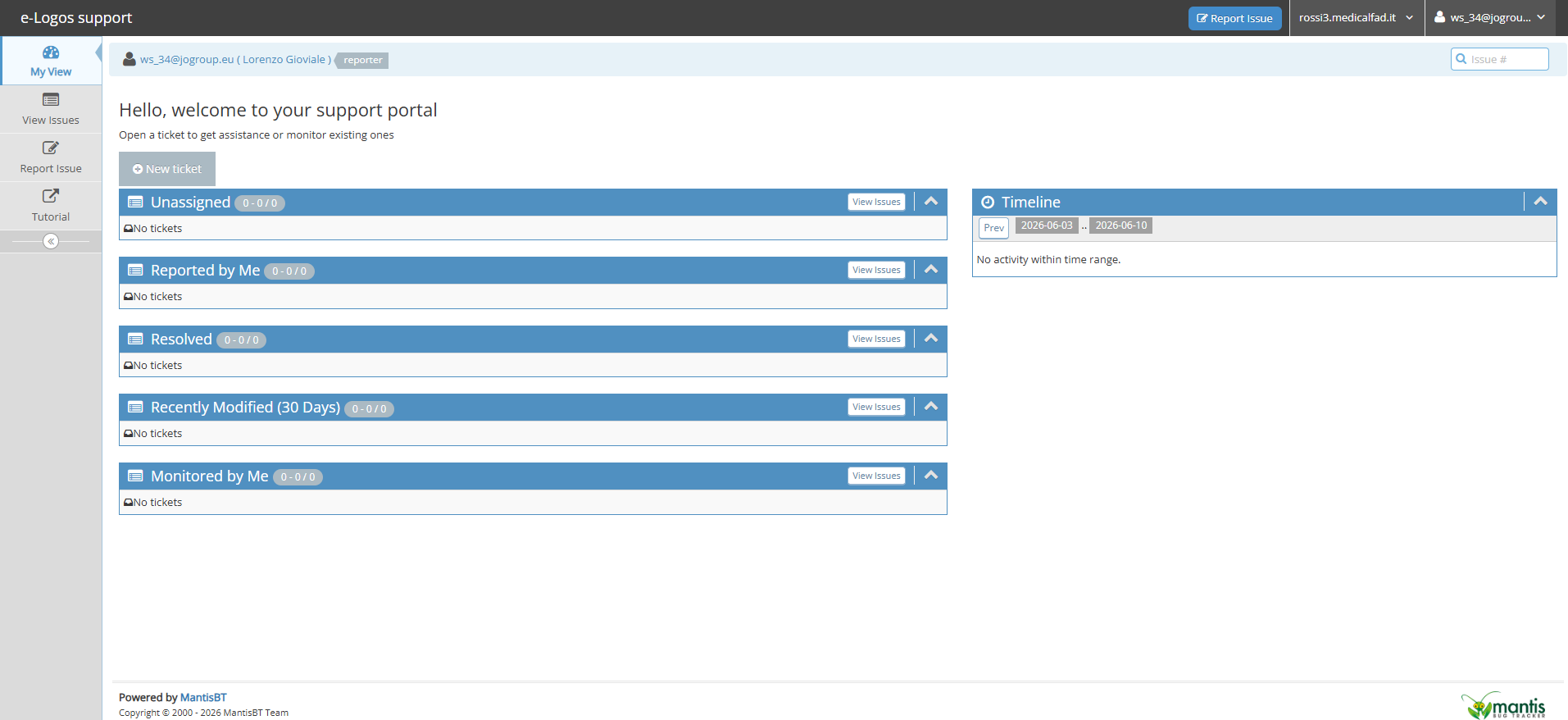
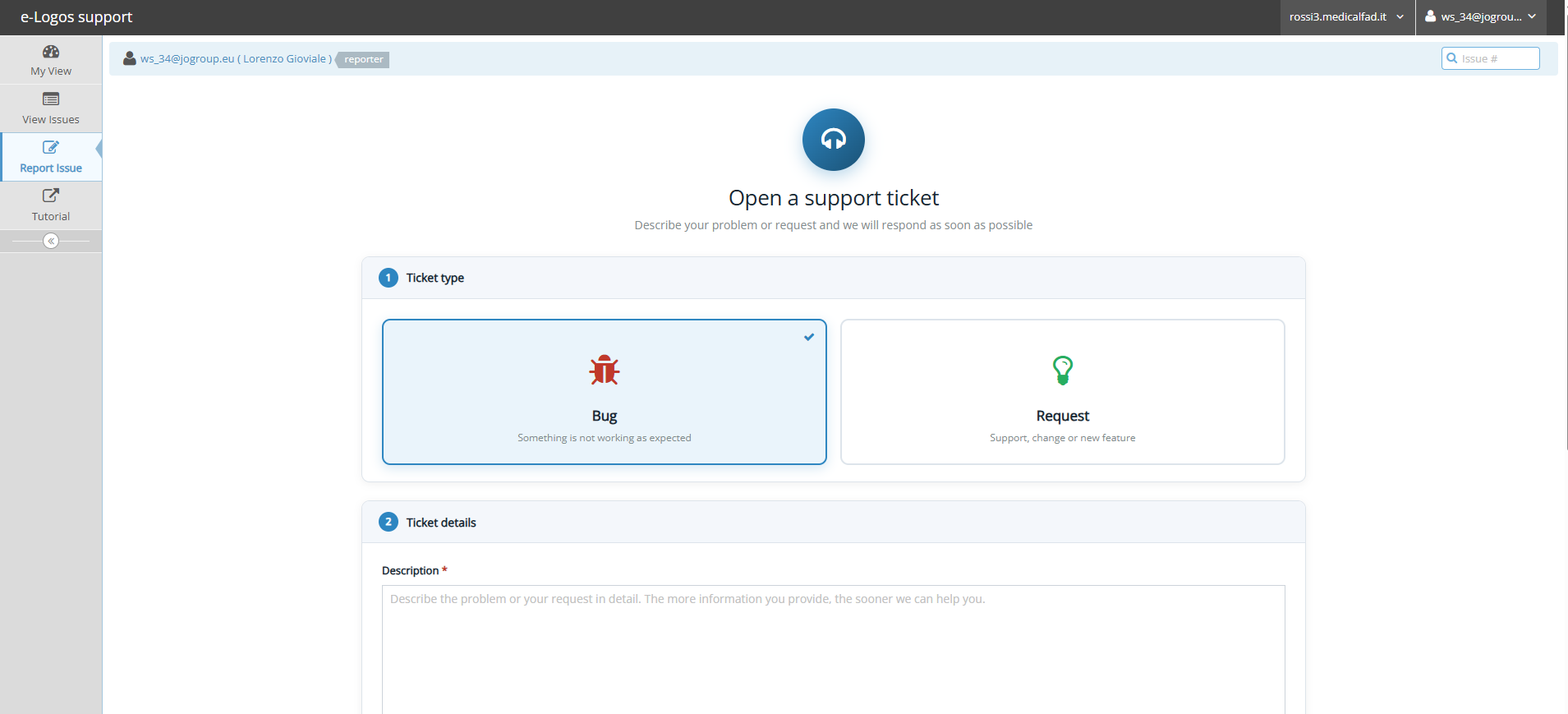
Click the New Ticket button to enter the details related to the issue, namely:
- Ticket Type: choose between “Issue” or “Request” based on the level of urgency;
- Ticket details: a brief description to identify the issue;
- Attachments: you can upload a file (such as a screenshot) to help clarify the issue.
At the end, click on Submit ticket. The issue will be entered into the system, and the technical team will receive an email notification.
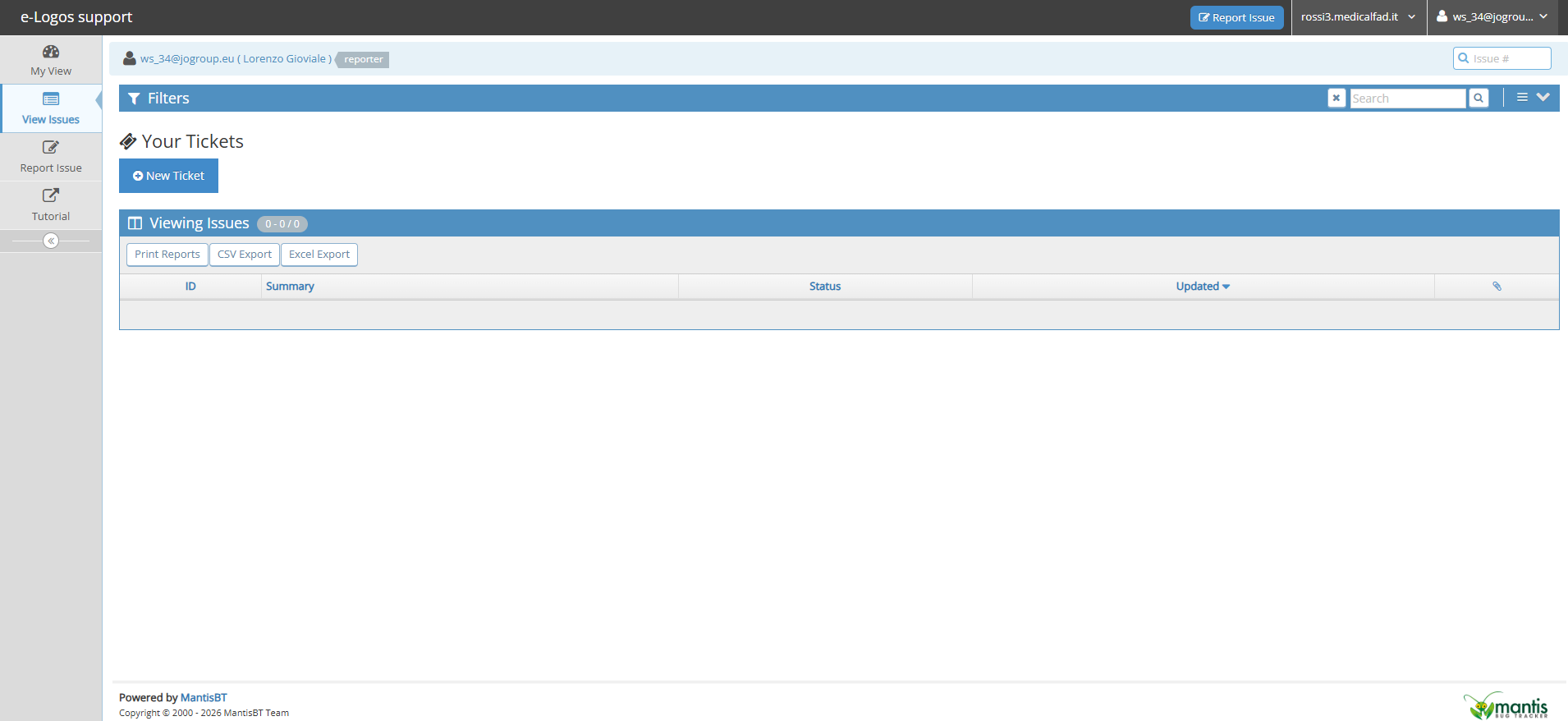
After reporting the issue, it will be added to the list of reports. By clicking on “View Issues” in the left column and then on the ticket, you can access the issue details, where you can add notes, such as comments or specifications.
Every time the ticket is updated, you will receive a status change email.
The VITECO team will close the issue once it has been resolved.