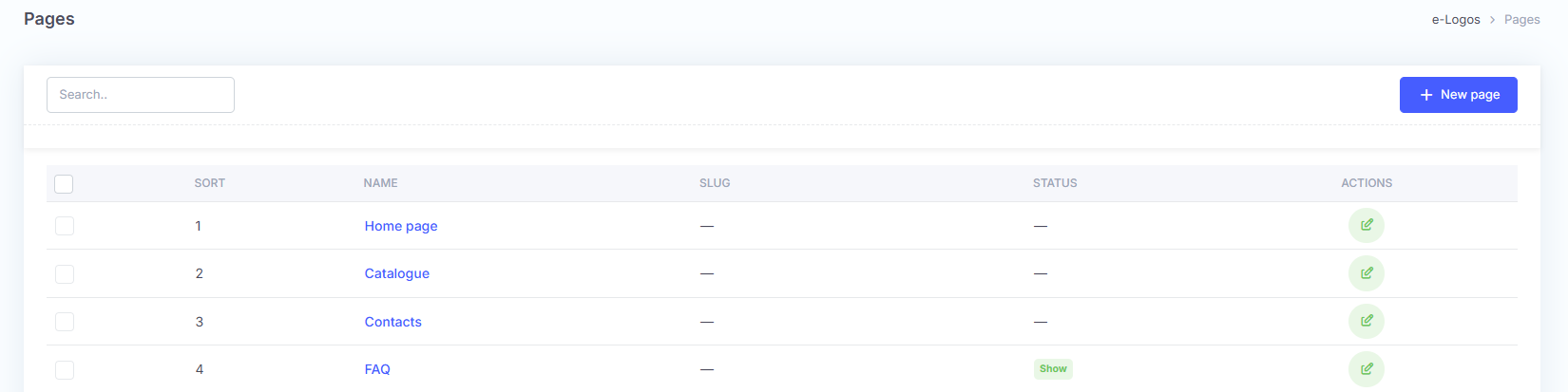
The Pages section allows users to manage the platform’s static pages. The list always includes four predefined pages:
- Homepage;
- Catalog;
- Contacts;
- FAQ.
These pages are fixed and cannot be deleted. The FAQ page can be hidden by changing its status from Show to Hide, simply by clicking it.
After creating a new page, users can change its order using the drag icon  to the left of each page, under the “Order” column.
Note: pages cannot be placed before the 4 standard pages.
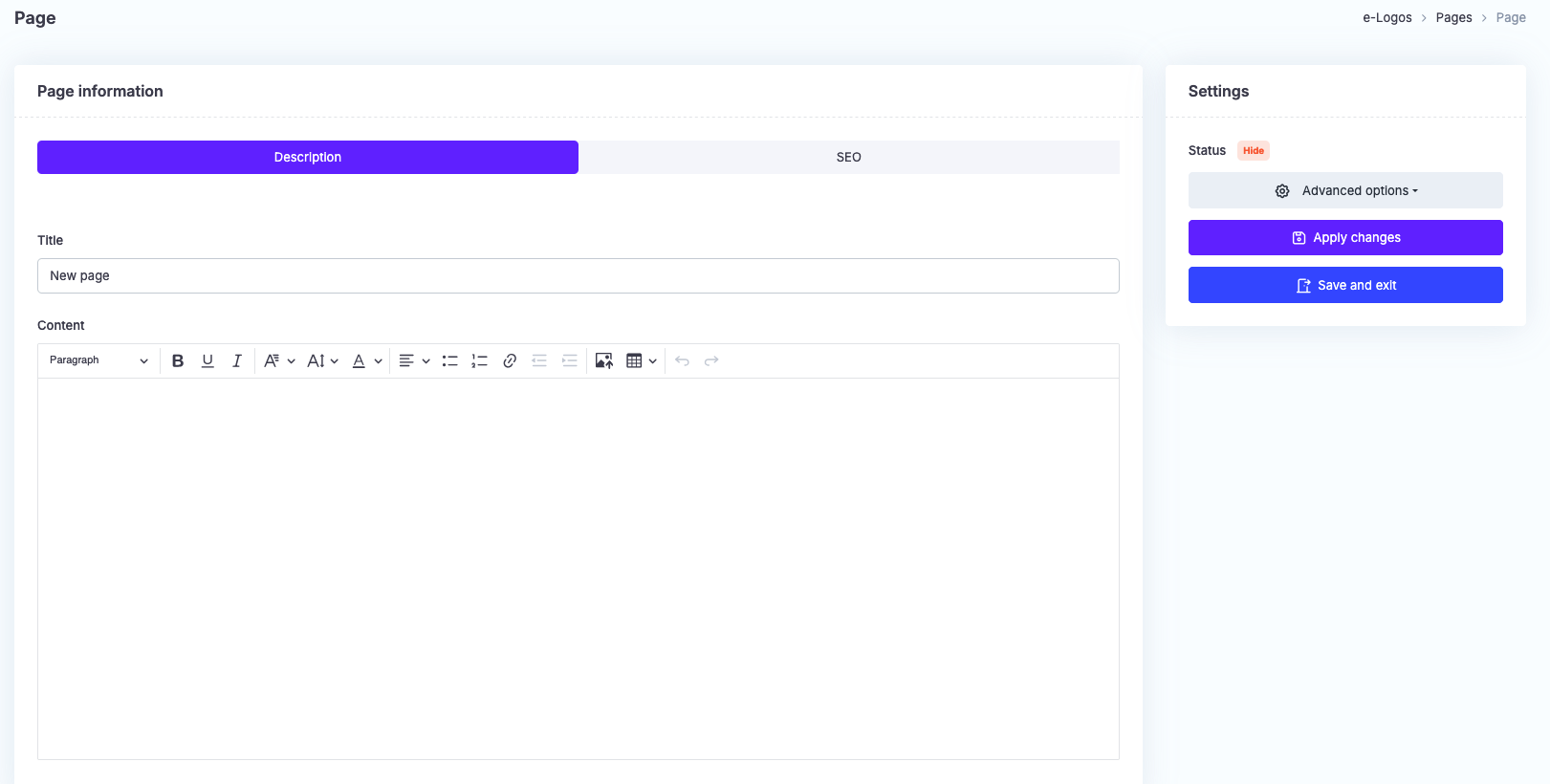
New pages can be added by clicking the + New page button. After entering a name, users can add the content in the Description section.
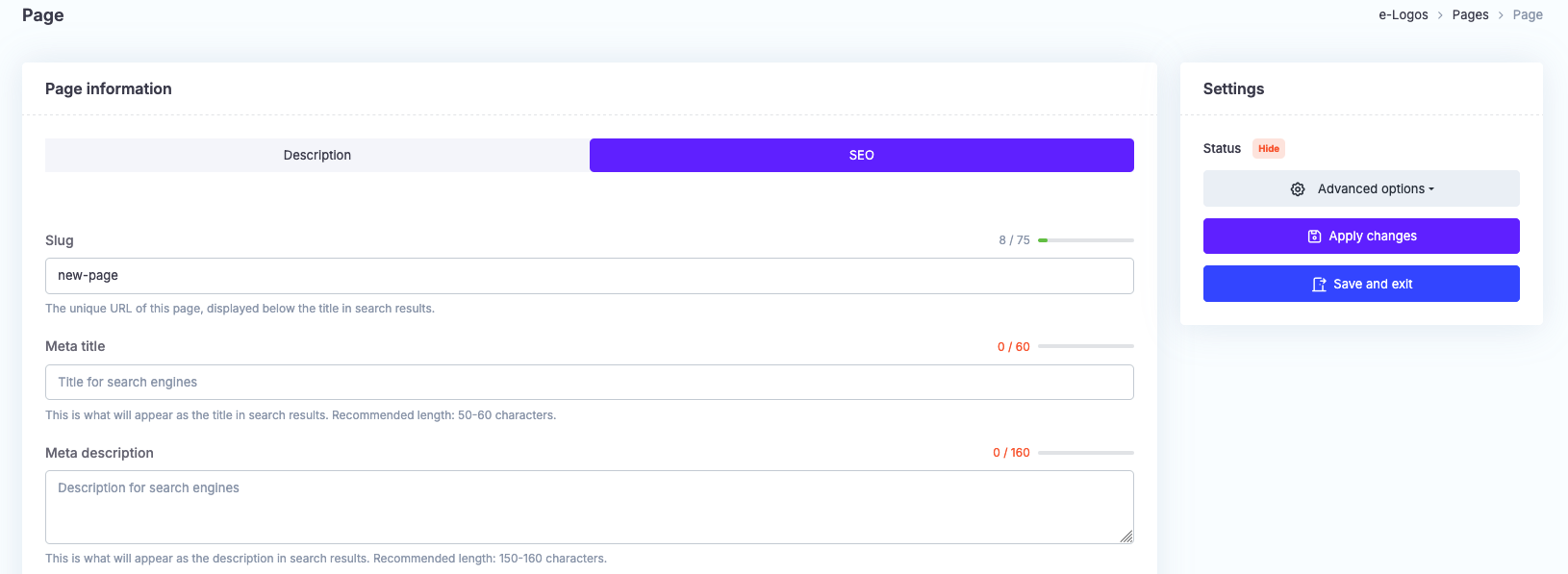
In the SEO section, users can edit the details related to how the page appears in search engines.
In Advanced options, users can view the page on the front-end or make it visible. By default, newly created pages are hidden.
Finally, click Apply changes or Save and exit.