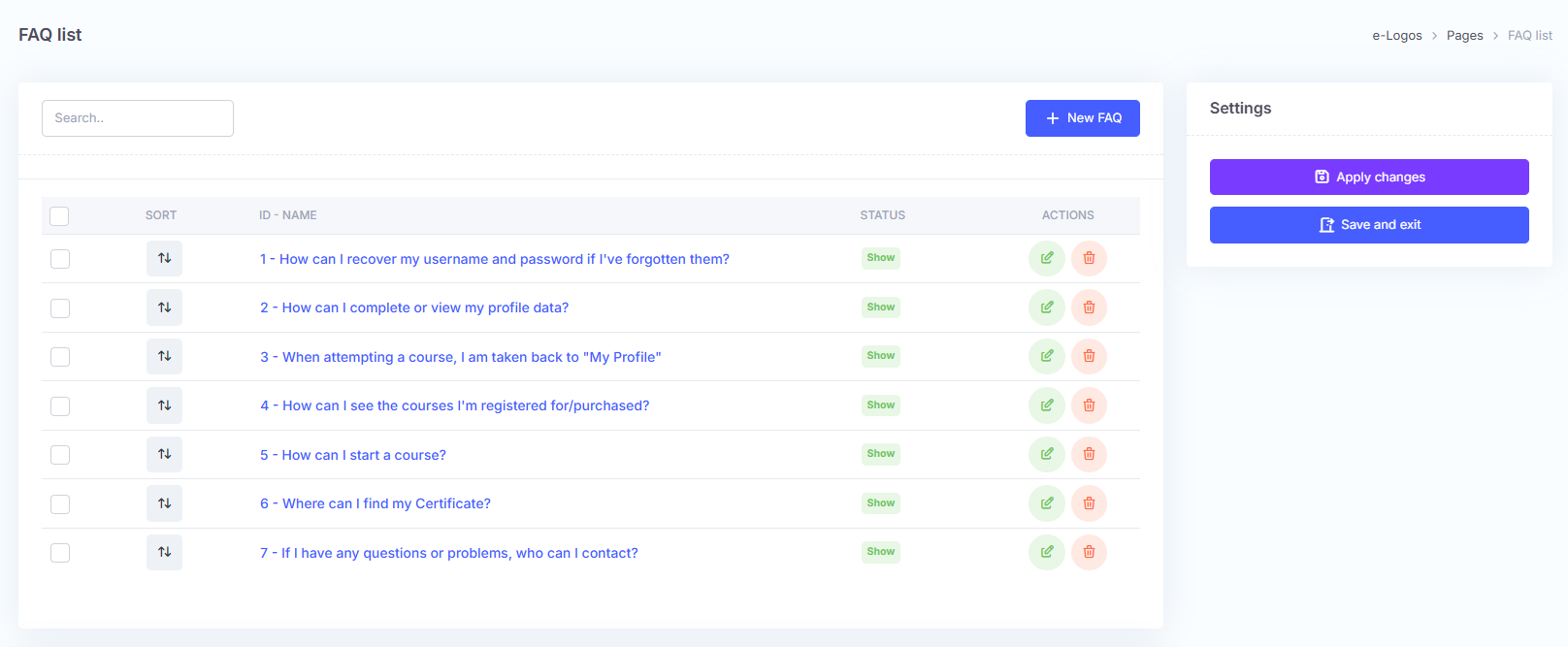
The FAQ section contains questions and answers addressing the most common doubts about using the platform. The administrator will find existing FAQs already added, which can be moved, edited, deleted, or hidden.
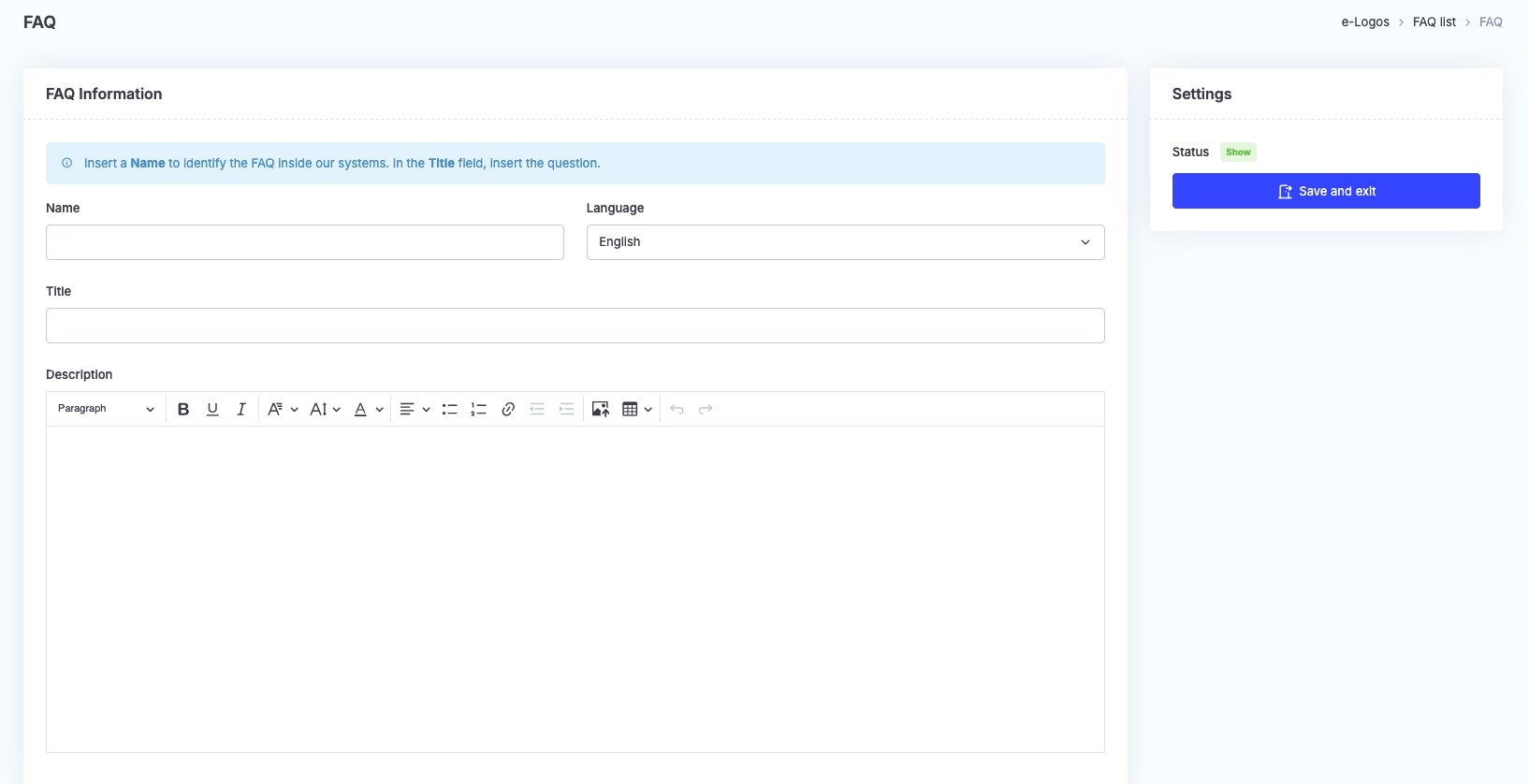
Click +New FAQ and fill in the fields.
Note: “Name” and “Title” are not the same thing. In “Name”, enter a name to identify the FAQ within our database, for example FAQ 1. “Title”, instead, is the field dedicated to the question.
FAQs can be added in any of the 33 languages available on the platform.
Finally, click Save and exit.