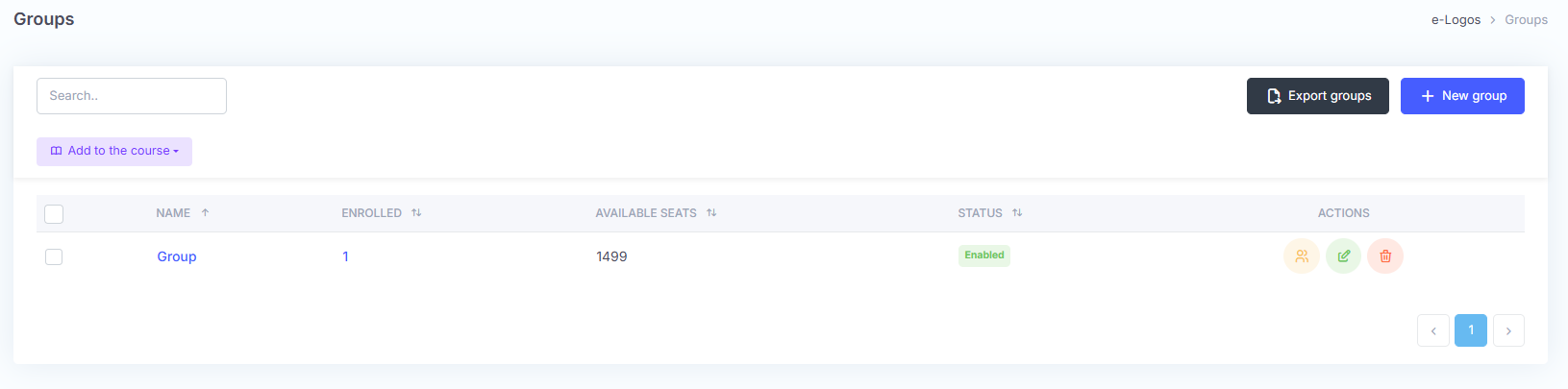
The Groups section allows users to create new groups to which courses can be assigned.
Learner groups can be enabled or disabled, edited, and deleted. Deleting a group does not delete the learners from the platform.
By clicking Manage, users can view the list of learners enrolled in the group, remove them, or disable them. They can also view the active courses for that group.
Groups can contain a maximum of 1,500 learners.
By clicking the flag next to the group name, users can associate the group with a course, which can be selected from the Add to course drop-down menu.
A confirmation message will indicate that the association has been completed correctly.