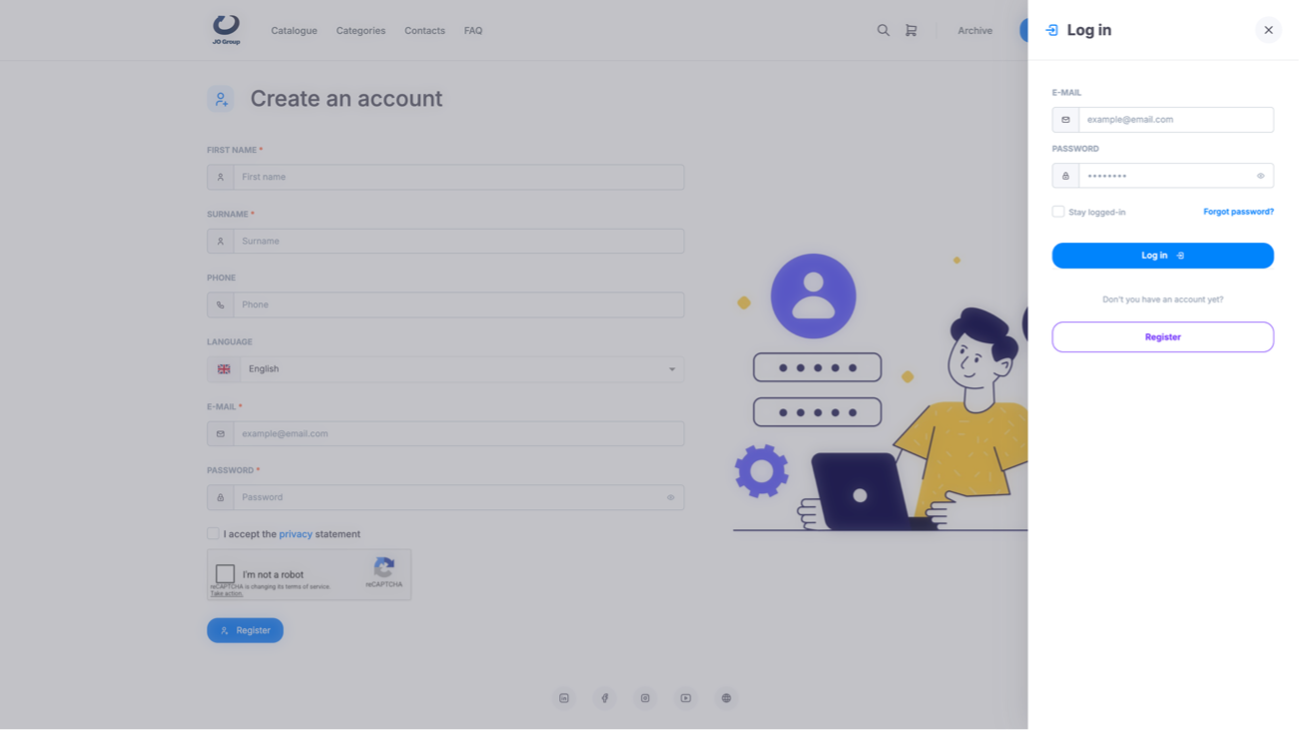
The learner can register by going directly to the link provided by the training provider and clicking the Log in button at the top right. A side menu will open, where they can click the Register button to proceed.
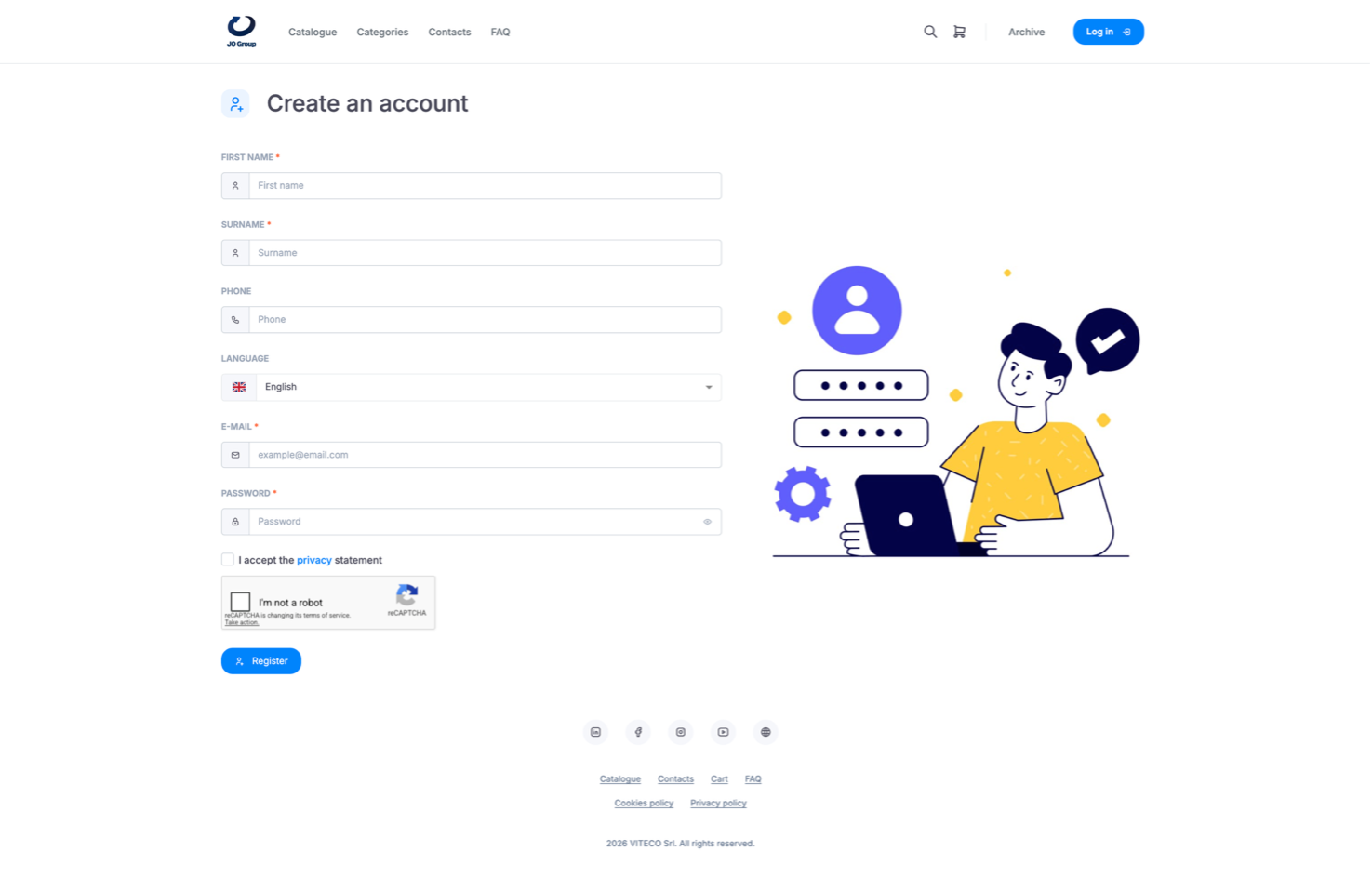
After filling in the required fields, users must accept the privacy policy and click the “I’m not a robot” CAPTCHA. They should then click Register to save the information entered.
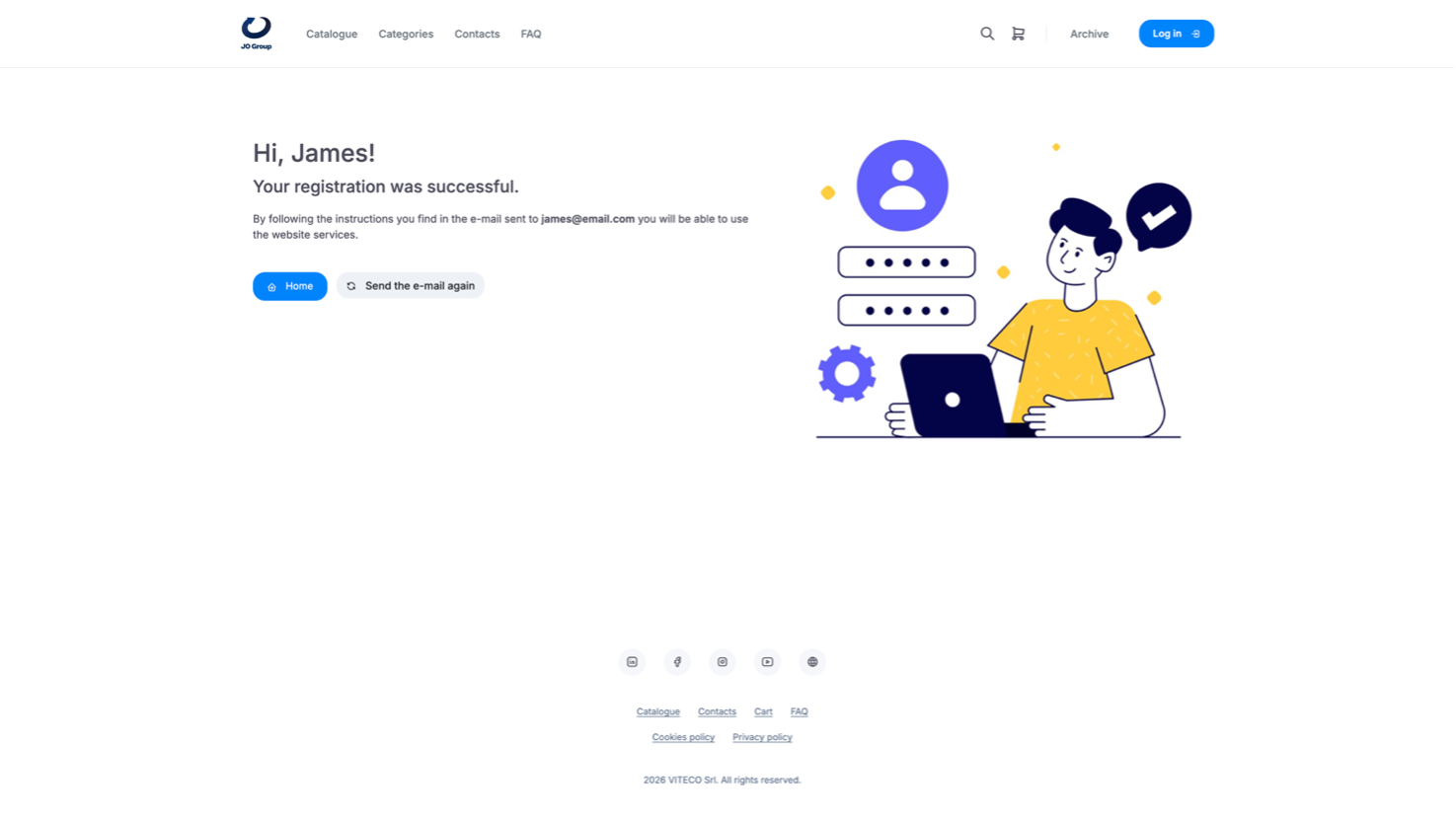
Note: it is important to enter a valid and active address in the “E-mail” field, as all communications are sent by email.