The Contacts page is one of the platform’s four predefined pages.
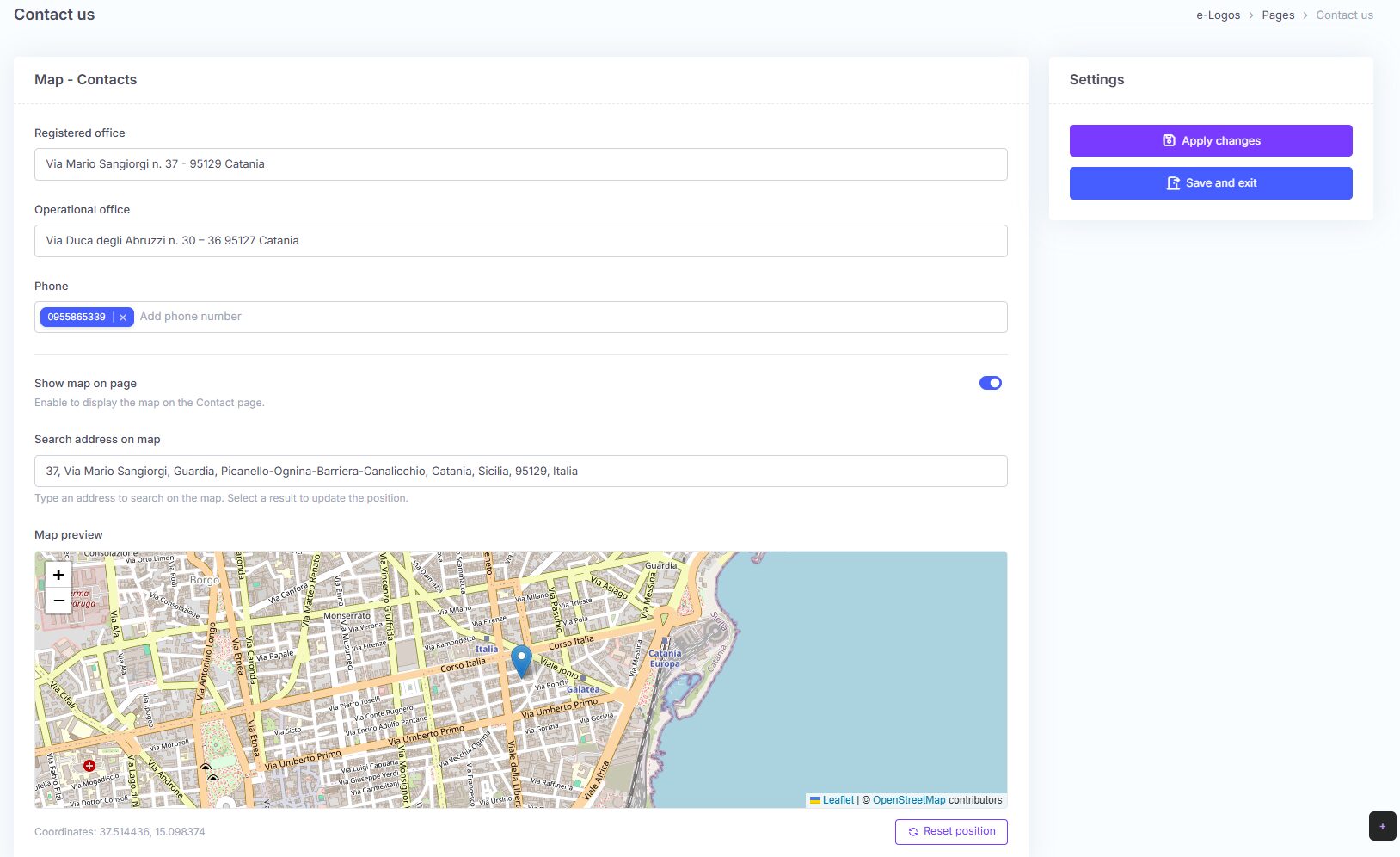
This page allows users to enter the company’s contact information, which will be visible on the platform front-end, including an interactive map to help visitors locate the office.
Available fields:
- Registered office: enter the full address of the registered office;
- Operational office: enter the address of the operational office, if different;
- Phone: enter one or more phone numbers.
By entering the address in the field dedicated to the map, a preview of the map will appear. The map can be disabled by clicking the button next to “Show map on page”. It is enabled by default.
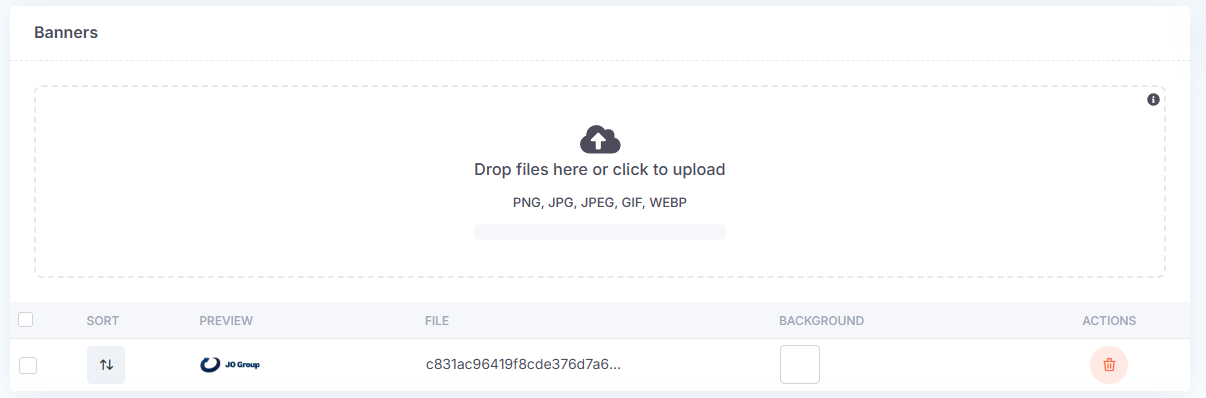
At the bottom of the page, there is the Banner section.
Users can add one or more images. If multiple images are added, they will be displayed in sequence as a carousel.