Homepage
On this page, admin can edit the content displayed on the Homepage. Each section is dedicated to editing specific elements, namely:
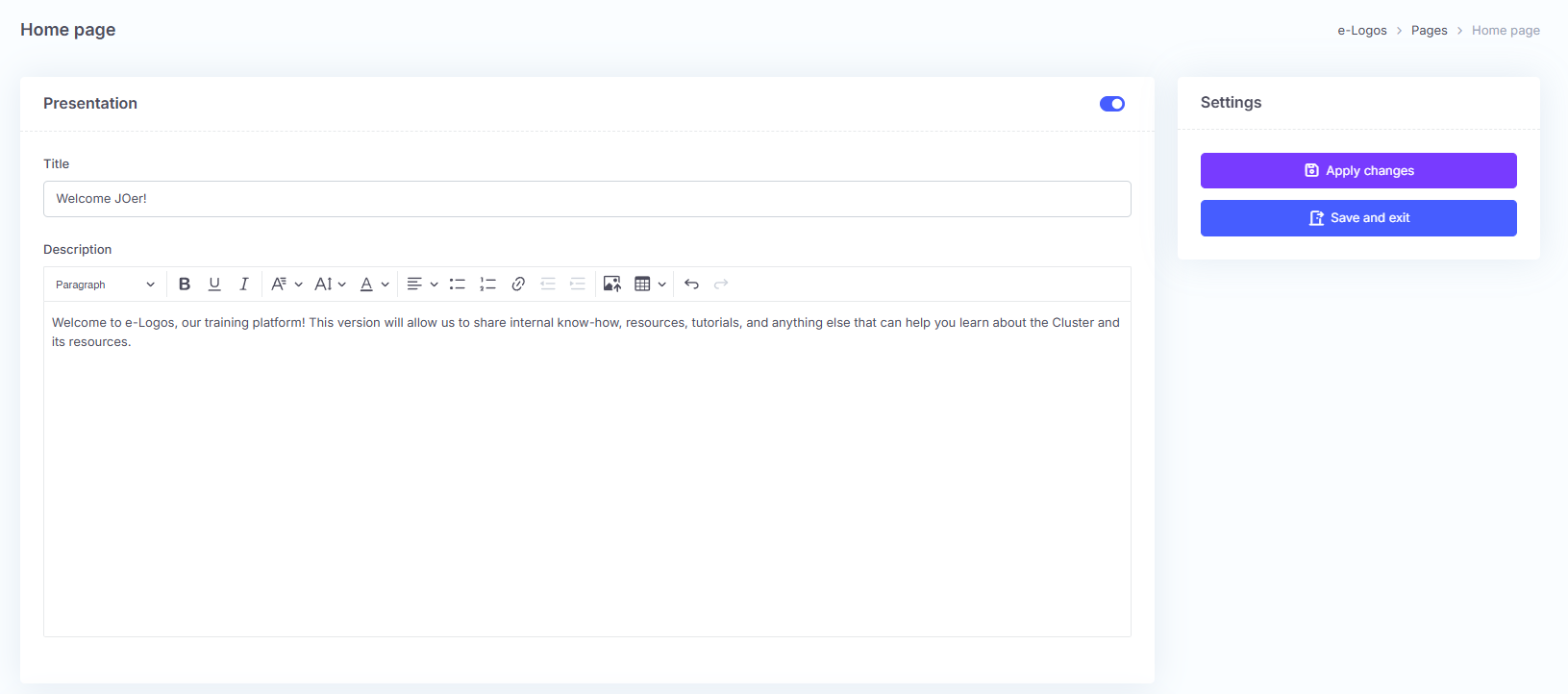
- Introduction: enter a title and a general description of the company, the training offered, or a simple welcome message for learners.
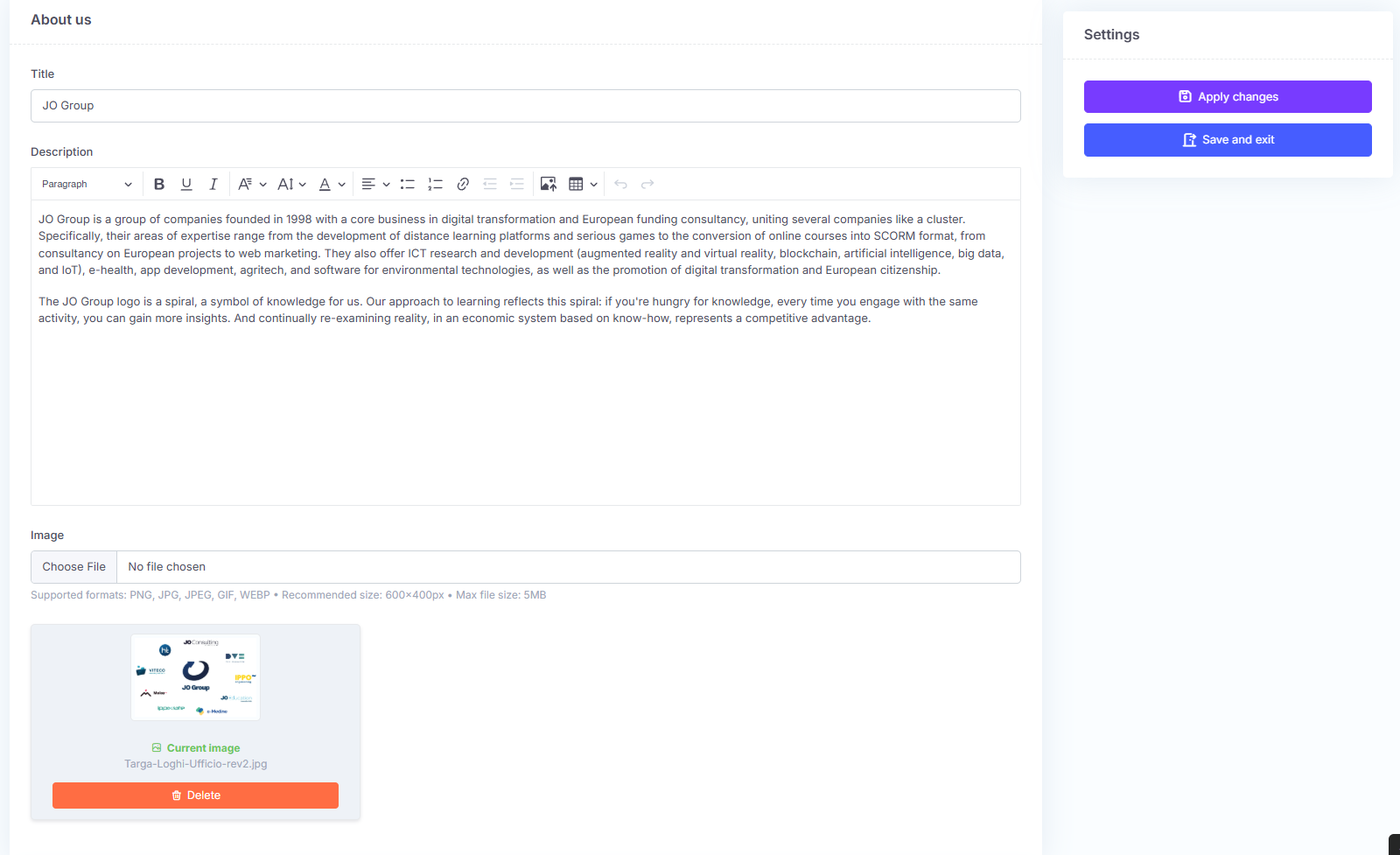
- About us: section dedicated to presenting the company, with the option to add an image, such as a logo. This content will be displayed at the bottom of the page, in the so-called footer.
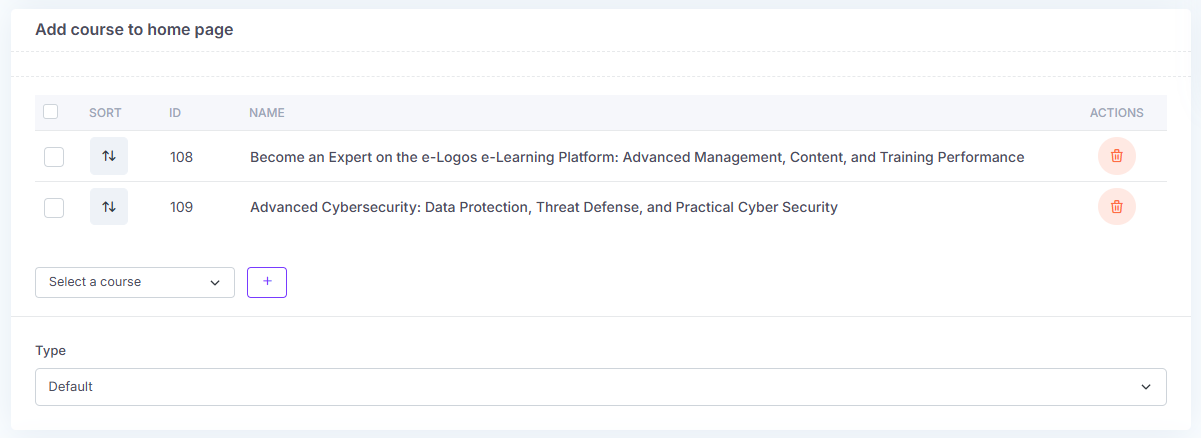
- Add course to homepage: courses available on the platform can be added to the featured courses section. This is useful when there are many courses or when users want to showcase the best-selling or most attended courses. To add a course to the homepage, simply select the course from the “Select a course” drop-down menu and click the + button next to it.
- Privacy: enter the link to the privacy policy of the company that will use e-Logos.
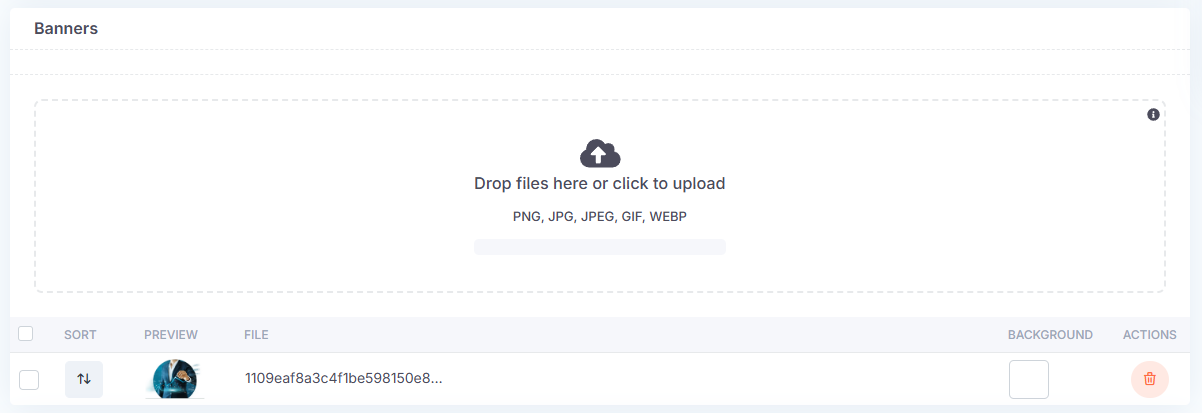
- Banner: users can add one or more images. If multiple images are added, they will be displayed in sequence as a carousel.