My Courses
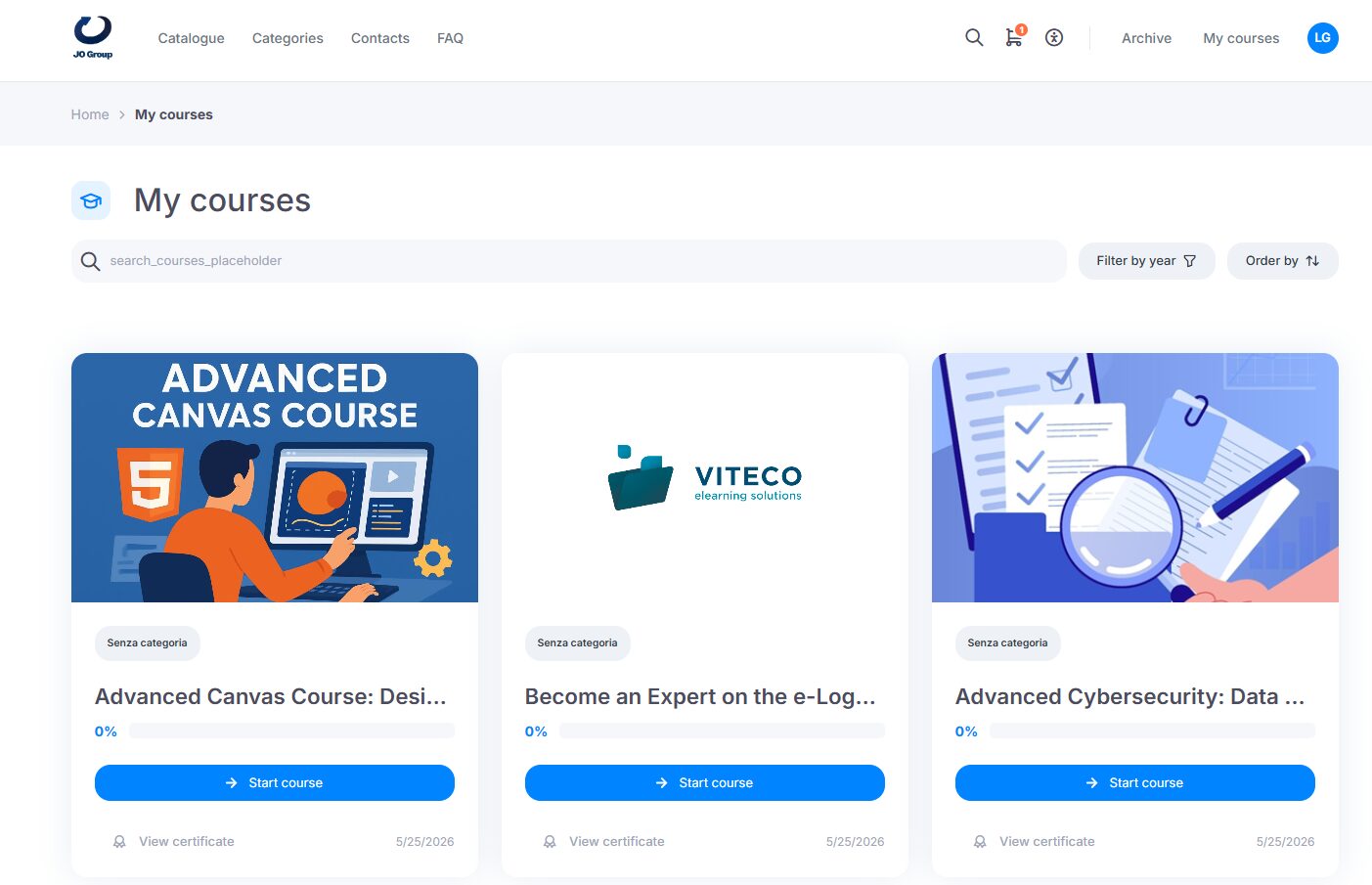
The My courses section, accessible through the My courses button, displays the user’s personal courses and allows them to:
- view the list of courses and the progress percentage;
- view the course status;
- start or resume a course;
- download the certificate, once the course has been completed.
Individual course page
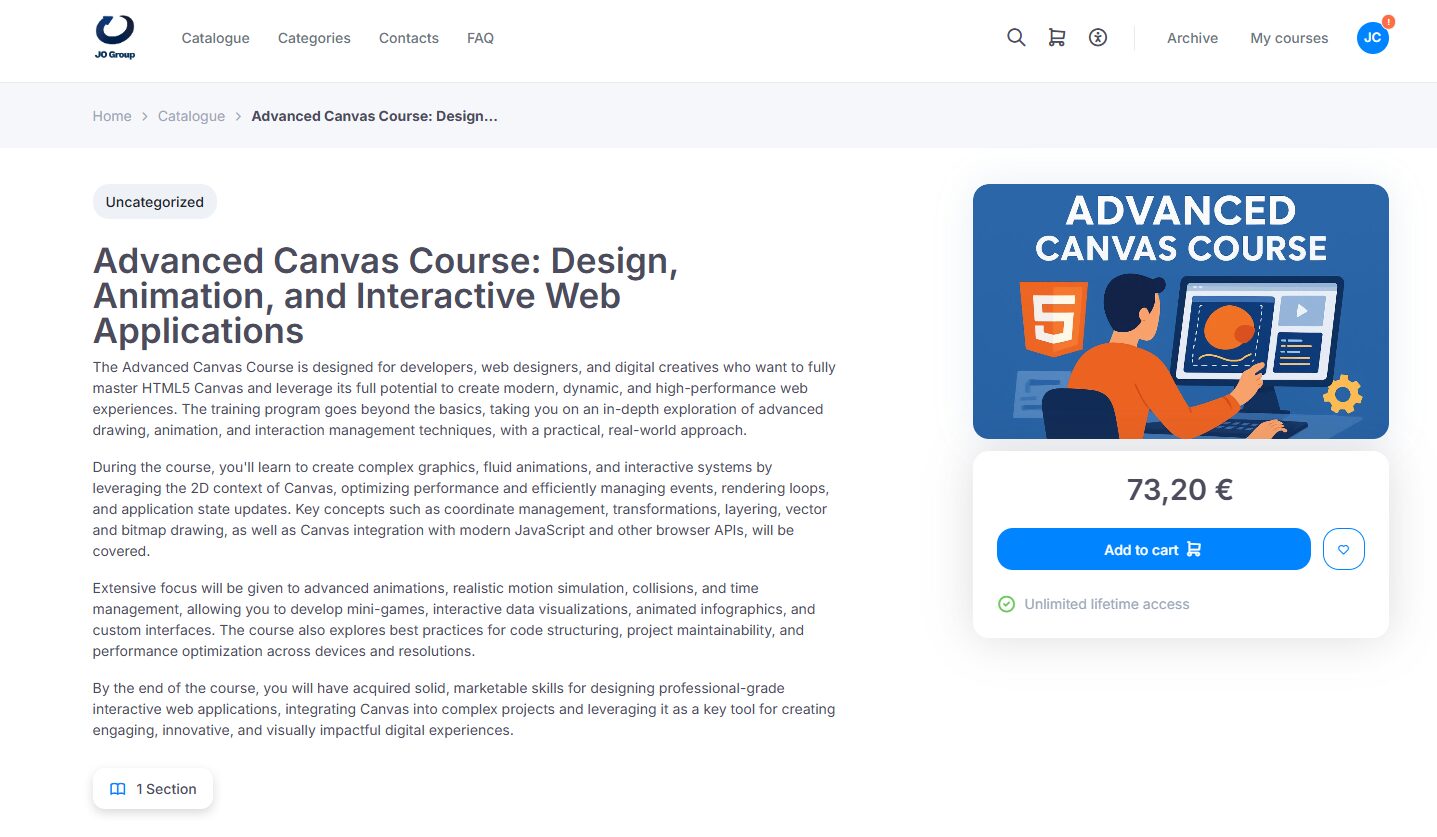
From the catalog, by clicking the course of interest, users can read the description and view the modules that make up the course.
Modules and sections may include prerequisites, meaning that learners must complete one or more specific modules before moving on to the next ones.
At the end of the course, if required, the learner must take a final test to obtain the certificate.
Starting the course
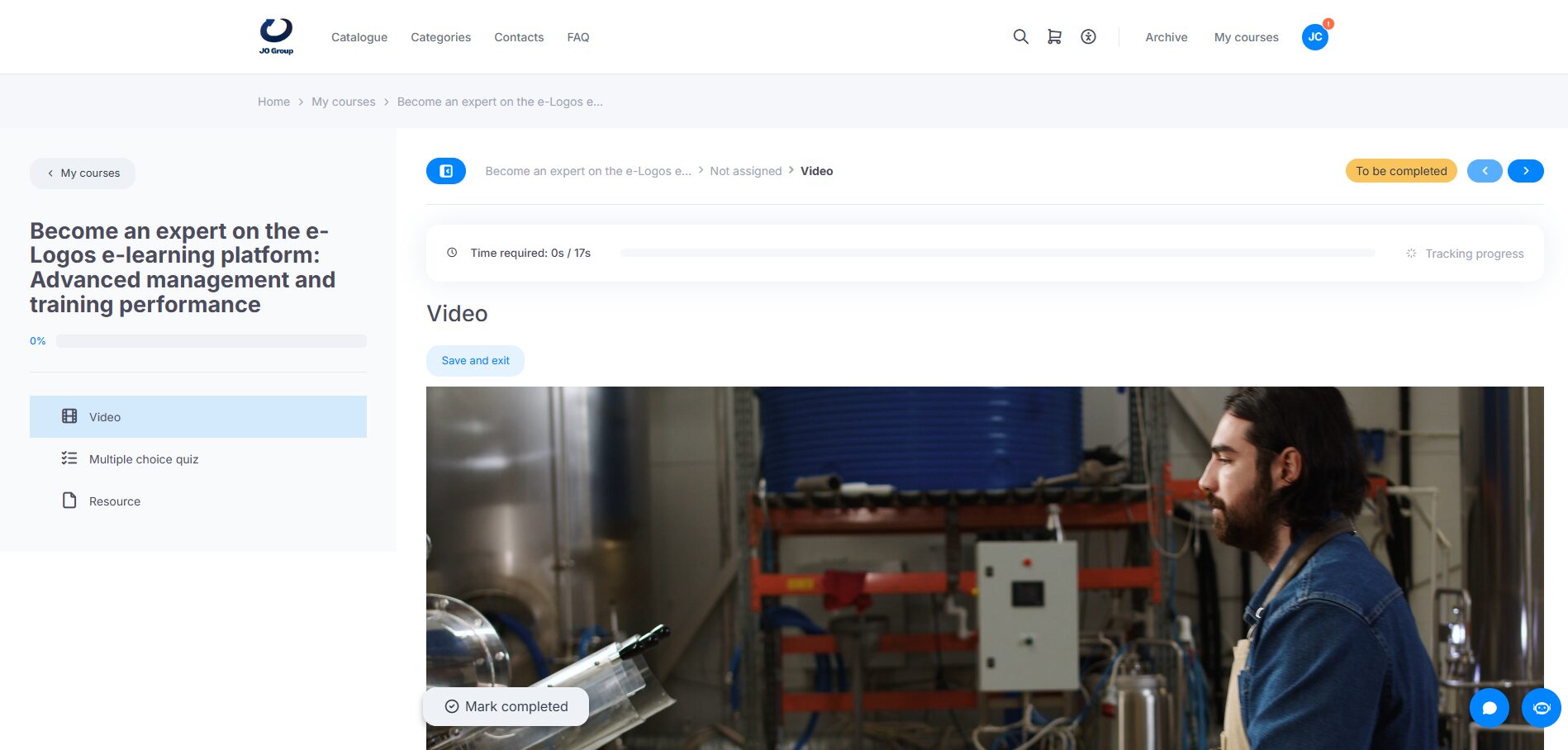
After purchase, the course will be available in My courses. By clicking Start course, users will open the screen containing all modules, with information such as the minimum time required in the module, the type of module, and the progress percentage. After completing a module, such as a video, users must click Mark as completed to move on to the next module.