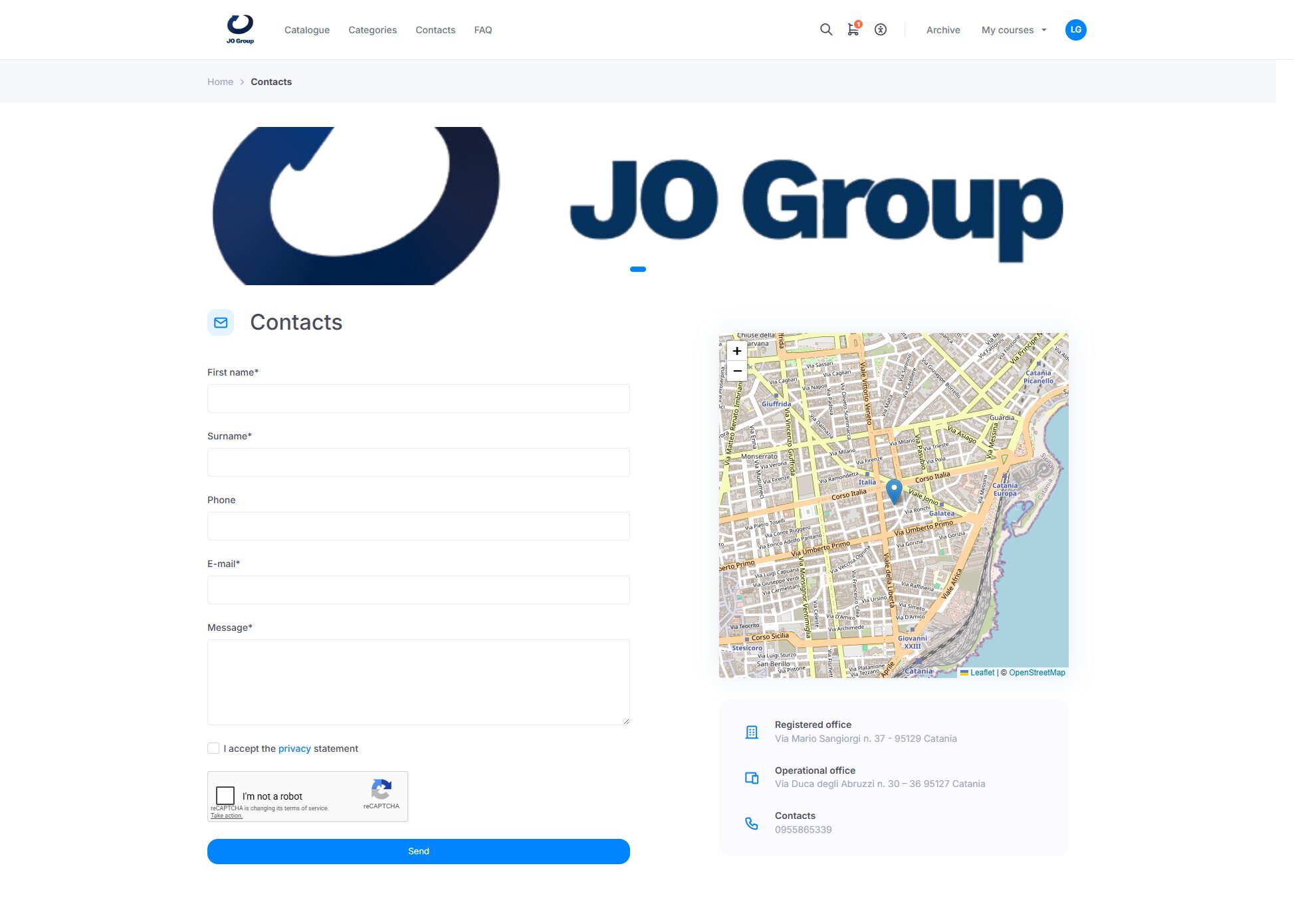
The contact form allows users to submit requests, questions, or issues related to using the platform. To send a request, users simply need to fill in the “First name”, “Last name”, and “E-mail” fields, then enter their message in the “Message” box. Before clicking the Send button, users must accept the privacy policy and select “I’m not a robot” on the CAPTCHA.