Coupons
The Coupons section allows the administrator to generate coupons that can be shared with users for individual courses or applied to the entire cart.
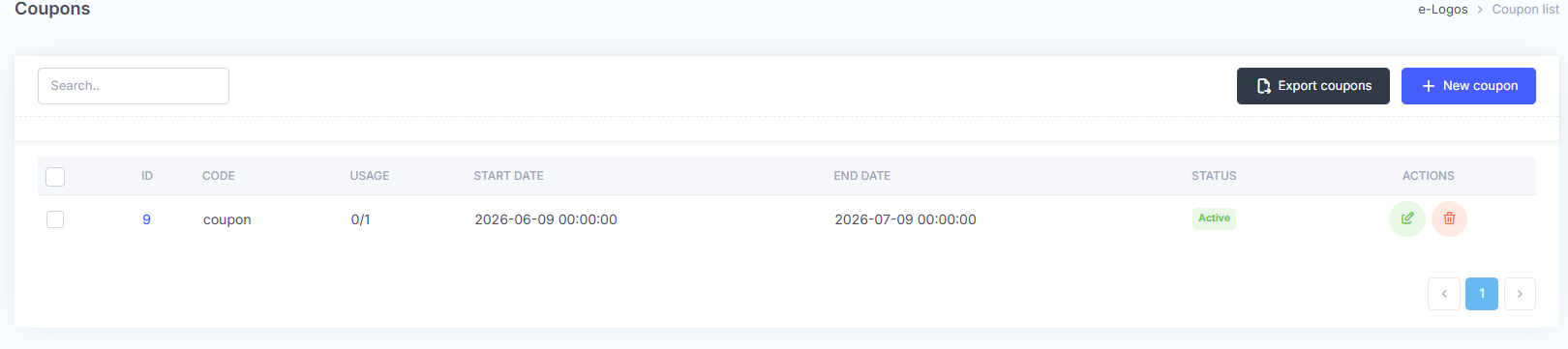
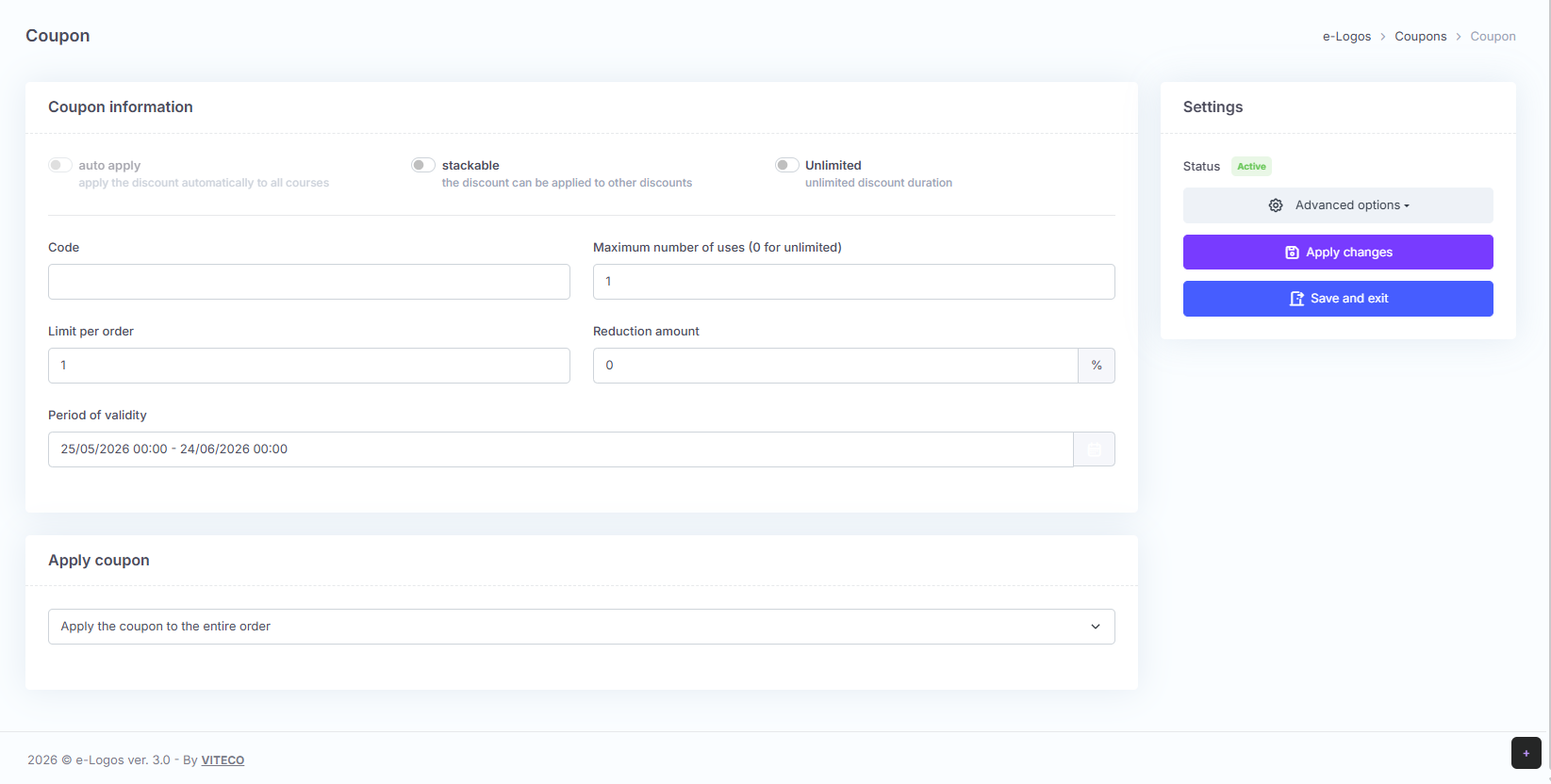
To generate a new coupon, users must click New coupon and fill in the following fields:
- Code: the code that will be used by users;
- Maximum number of uses: if set to 0, the coupon can be used an unlimited number of times within the validity period;
- Limit per order: indicates how many coupons can be used for each order;
- Discount amount: the discount percentage;
- Validity period: sets the time period within which the coupon can be redeemed.
The coupon can also be customized using the following buttons:
- Apply automatically: the coupon is automatically added to each order. Therefore, there is no need to share the code with learners;
- Stackable: multiple coupons can be added to the order;
- Unlimited: the coupon has no expiration date.
Finally, click Save and exit or Apply changes to remain on the page.
Note: the admin is responsible for sharing the code with learners.