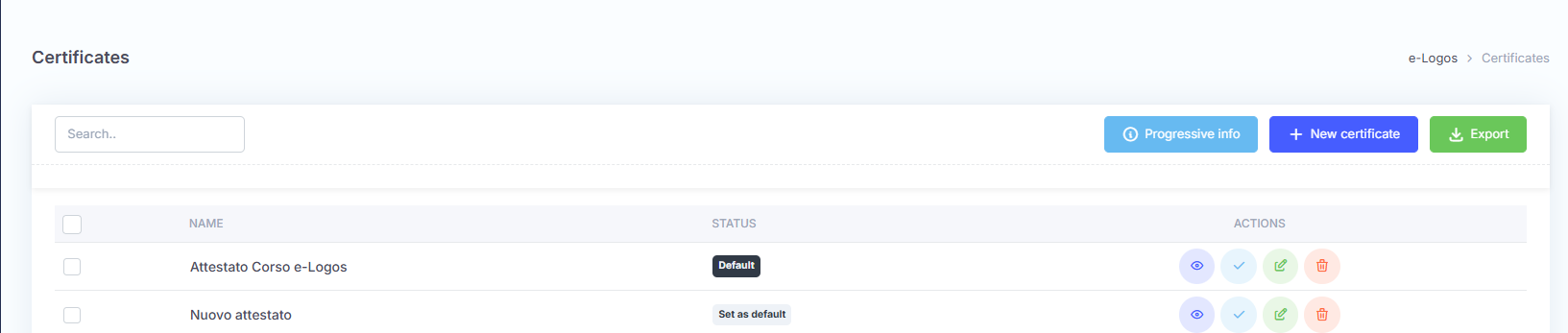
The Certificates section allows users to create and view course completion certificates. The main screen displays the list of certificates created.
The different buttons allow users to:


Note: it is not possible to delete a certificate if it is associated with an active course.
The Export button downloads an .xls file containing all information about learners and the courses they have passed, together with the related certificates; the Progressive info button informs the administrator about the type of progressive numbering selected. This appears during the first access to the Courses section.