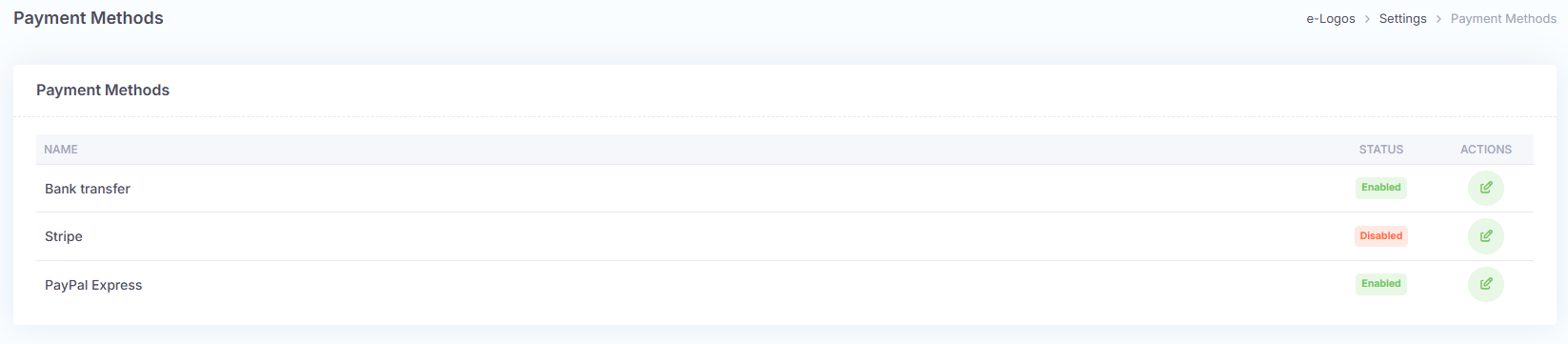
Only power users with the Manager role can edit the payment methods active on the platform. There are three available methods:
- Stripe: allows users to receive credit or debit card payments securely and immediately.
- PayPal: allows users to pay with their PayPal account or by card, speeding up the purchase process.
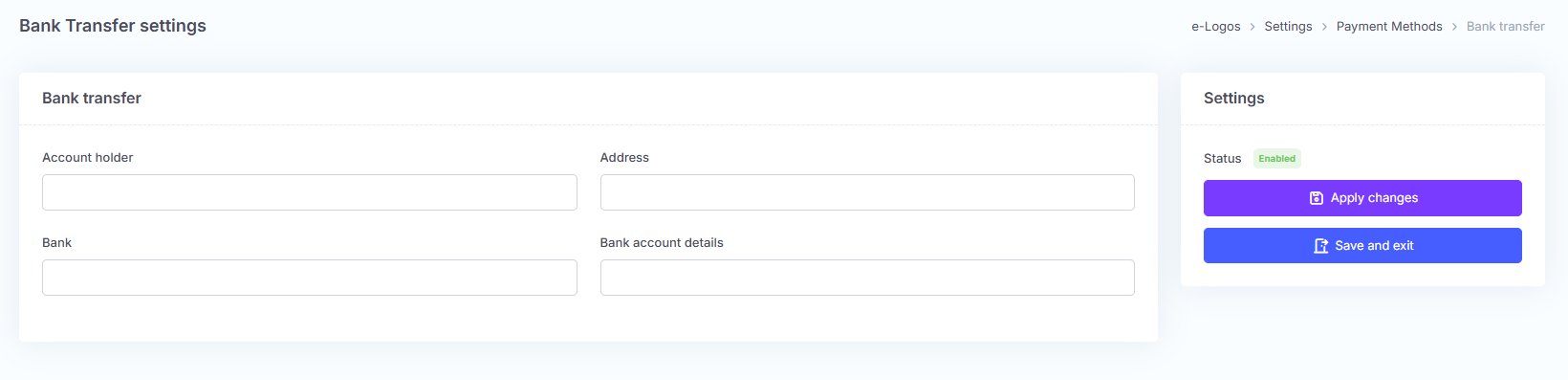
- Bank transfer: does not provide automatic payment, so the course will be activated manually by the administrator only after the payment has been verified. By clicking the edit icon next to this method, users can enter the following data:
- account holder;
- address;
- bank name;
- bank details.